
The HIPAA Security Rule may be getting its biggest update in more than a decade — and dental practices should be paying attention.
A proposed modification to the HIPAA Security Rule was released on December 27, 2024, and according to RubinBrown, it includes some of the most sweeping proposed updates since 2013. The rule is expected to become final around May 2026, with a proposed 240-day compliance window after finalization.
That may sound like plenty of time. It is not.
If your dental practice relies on cloud systems, remote access, digital imaging, practice management software, email, online forms, or third-party vendors, these changes could significantly raise the bar for how you secure electronic protected health information (ePHI).
And here's the biggest takeaway: HIPAA cybersecurity requirements are moving from “flexible and documented” toward “mandatory and provable.” That is a major shift for healthcare organizations — including dental practices and DSOs.
01Why is HIPAA changing now?
Cybercriminals know dental offices rely on uninterrupted access to:
- Patient records
- Digital imaging
- Scheduling systems
- Insurance and billing platforms
- Clinical software
- Cloud applications
When those systems go down, production stops quickly.
In plain English: today, some HIPAA safeguards allow practices to decide whether a control is “reasonable and appropriate” and document why they implemented — or skipped — it. Under the proposed changes, many of those controls would simply be expected. That means dental practices need to start thinking less like “Do we have a reason not to do this?” and more like “Can we prove this is already in place?”
| Area | Today's rule | Proposed rule |
|---|---|---|
| Safeguard status | Many controls are "addressable" — flexible, with documented rationale | Distinction removed — most controls simply expected |
| MFA | Recommended in many cases | Mandatory for systems with ePHI, limited exceptions |
| Encryption | Addressable, often skipped with documentation | Required in transit and at rest, limited exceptions |
| Testing | Not explicitly mandated | Vulnerability scans every 6 months, annual penetration testing |
| Incident recovery | No fixed restoration timeline | 72-hour restoration expectation |
| Access termination | No fixed timeframe | Proposed one-hour termination after separation |
02Required technology asset inventory and network mapping
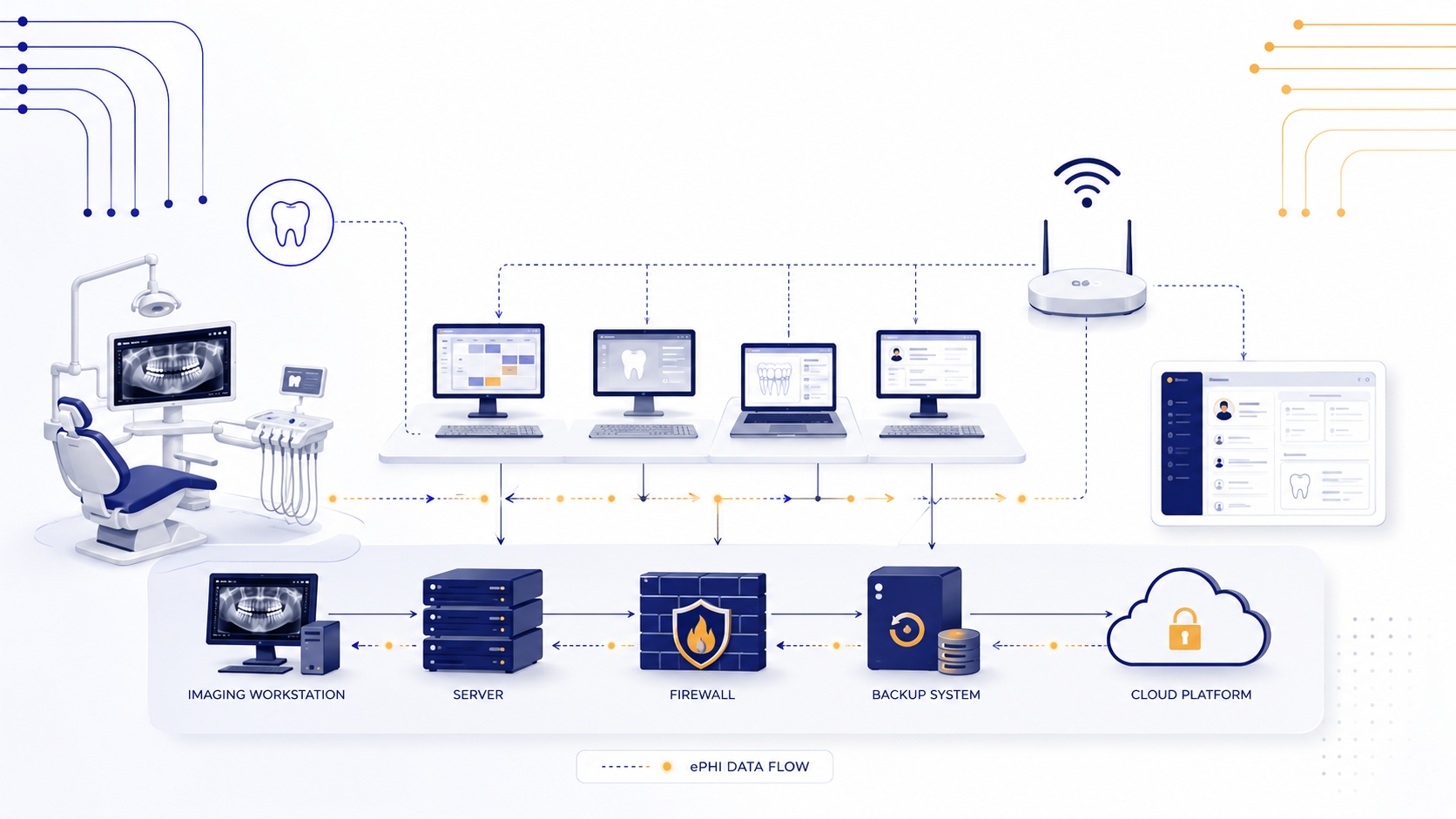
For dental practices, this could include:
- Servers
- Workstations
- Imaging computers
- Firewalls
- Wireless access points
- Practice management software
- Imaging systems
- Cloud platforms
- Backup systems
- Email systems
- Remote access tools
- Third-party integrations
If your practice does not have a current inventory of every device and system touching patient data, now is the time to fix that.
03Annual risk analysis and risk management plans
A proper dental IT risk analysis should answer questions like:
- Where does ePHI live?
- Who has access to it?
- How is access controlled?
- Which systems are mission-critical?
- What vulnerabilities exist?
- What happens during downtime?
- How are backups protected?
- Which vendors can access patient data?
- What gaps still need remediation?
04Mandatory multi-factor authentication (MFA)
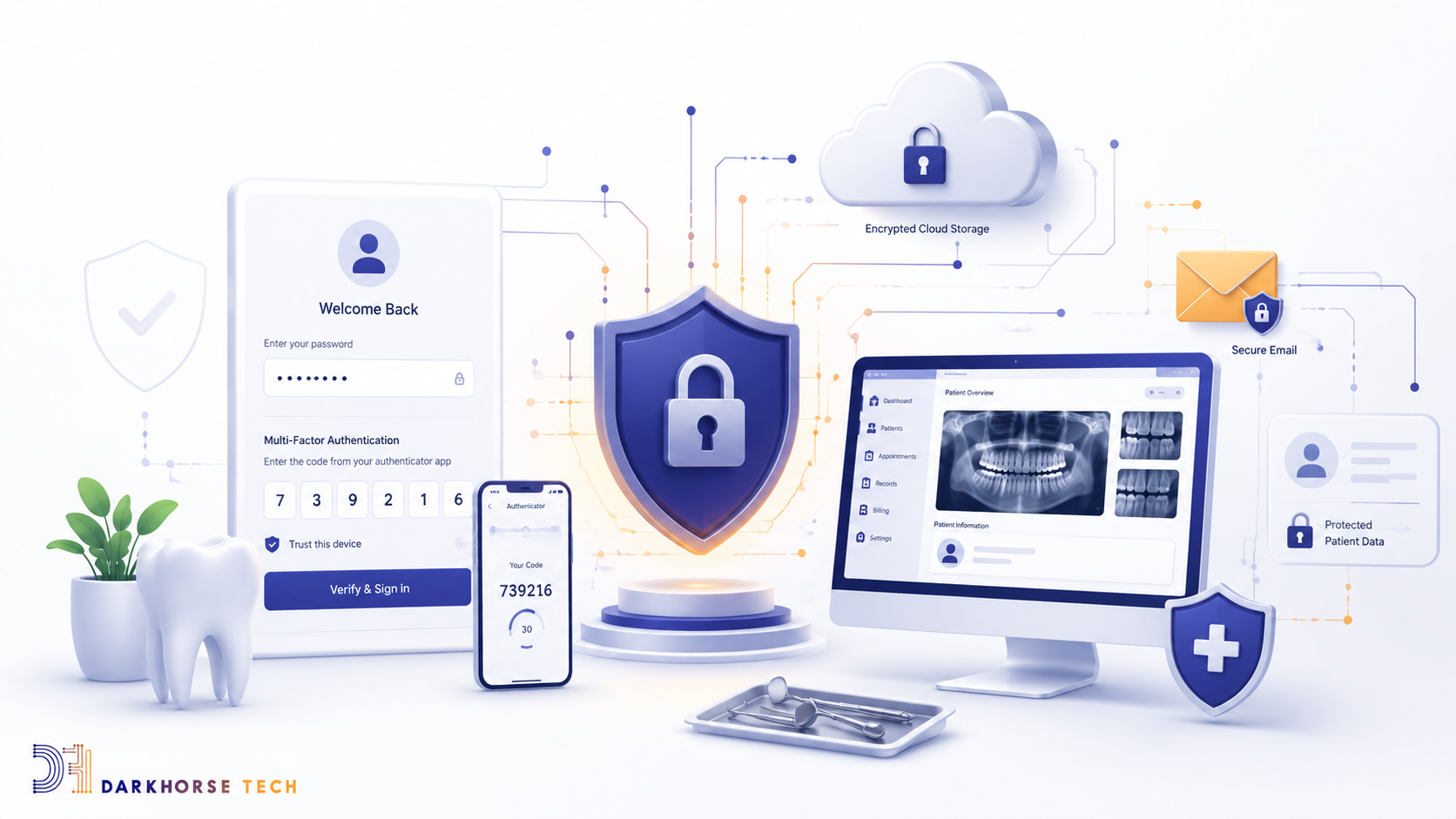
For dental practices, MFA should already be standard for:
- Email accounts
- Remote access tools
- Cloud applications
- Admin accounts
- Backup portals
- Vendor access
- Firewall management
If your office still relies on shared logins, weak passwords, or remote access without MFA, those are high-risk gaps that need attention now.
05Encryption requirements for ePHI
For dental practices, this could affect:
- Email transmission
- Cloud storage
- Backup systems
- Laptops
- Servers
- External drives
- Imaging data
- Remote access systems
A stolen laptop is bad. A stolen laptop full of unencrypted patient data is the kind of bad that involves attorneys, regulators, breach notifications, and several sleepless nights.
06Vulnerability scanning and penetration testing
Dental practices should expect formal testing of:
- Firewalls
- Remote access systems
- Servers
- Workstations
- Cloud services
- Misconfigurations
- Unsupported software
- Weak authentication
- Unpatched vulnerabilities
This is not just about checking a compliance box. Vulnerability management is one of the most effective ways to identify security problems before attackers do — which is generally preferable, since attackers are notoriously bad at submitting polite support tickets.
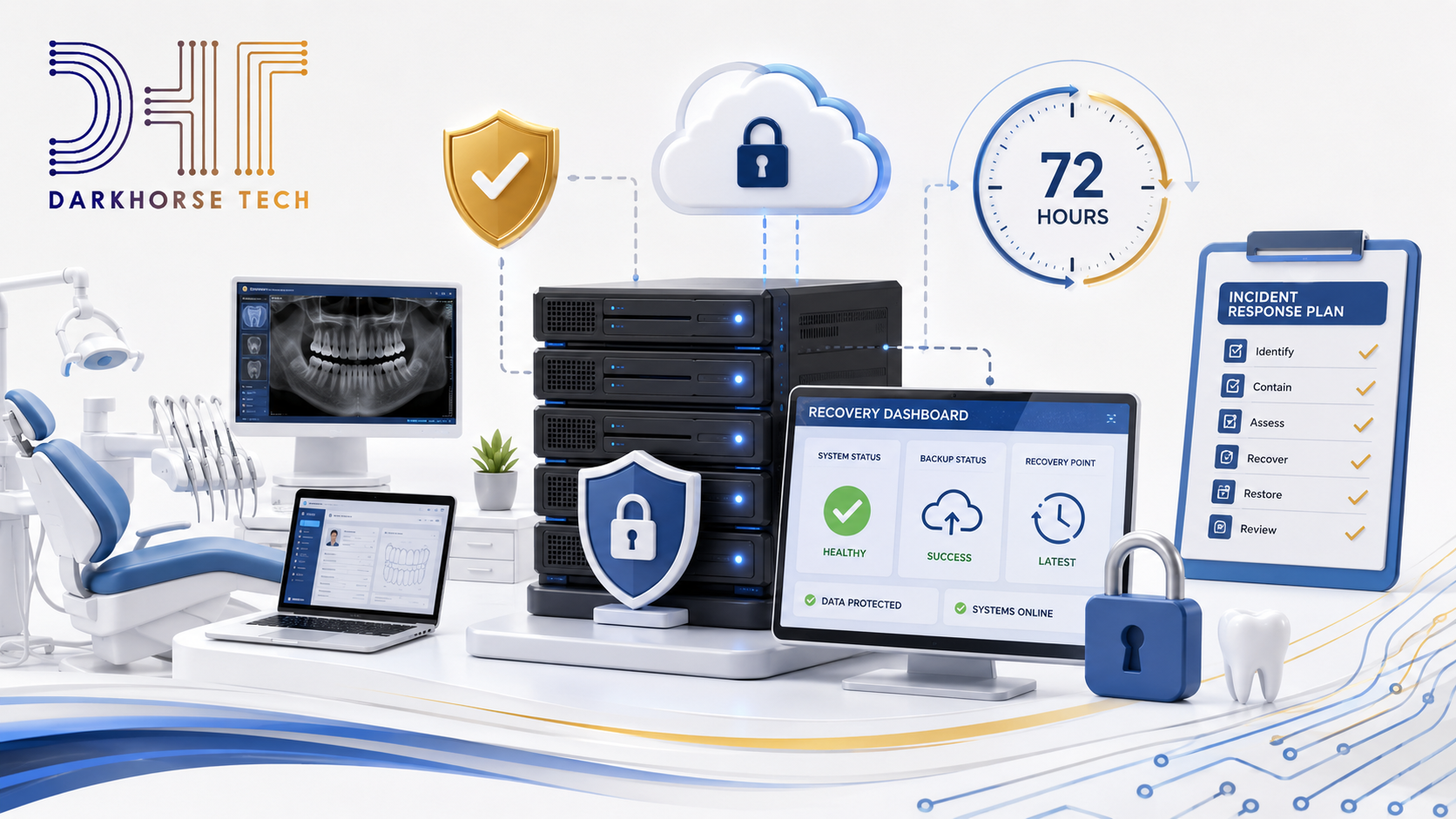
07Incident response and 72-hour restoration expectations
Practices should be asking:
- Do we have current backups?
- Are backups isolated from ransomware?
- Are backups encrypted?
- Have we tested restoration recently?
- How long would it take to restore Open Dental and imaging systems?
- Who handles vendors during an outage?
- Who communicates with staff?
- Who handles legal and compliance notifications?
Having backups is good. Having tested backups is better. Having a written recovery process your team actually understands is where the real protection happens.
08Faster employee access termination
When someone leaves, access should immediately be removed from:
- Practice management systems
- Imaging software
- Remote access tools
- Cloud storage
- Password managers
- Vendor portals
- Shared accounts
- Phone systems
- Billing platforms
This becomes even more important with remote workers, consultants, temporary staff, and vendors.
09Increased vendor and business associate oversight
Dental practices should expect increased focus on vendor documentation, including:
- Business Associate Agreements (BAAs)
- Security questionnaires
- Written verification of safeguards
- Backup and recovery expectations
- Incident response responsibilities
- Access controls
- Data handling practices
Even if your internal systems are secure, your vendors can still create serious cybersecurity risk.
10What should dental practices do now?
These rules are not final yet, and details may still change — RubinBrown notes that provisions could be delayed or modified by the Department of Health and Human Services before finalization. But the direction is very clear: healthcare cybersecurity expectations are increasing, and dental practices should not wait for the final rule before preparing.
- 1Build or update your technology inventoryThis becomes the foundation for everything else. Start documenting:
- Every workstation
- Every server
- Every firewall
- Every wireless access point
- Every cloud platform
- Every backup system
- Every vendor with access
- Every system touching ePHI
- 2Review MFA coverageIdentify where MFA is enabled — and where it is missing. Prioritize:
- Remote access
- Admin accounts
- Cloud systems
- Backup platforms
- Vendor portals
- 3Confirm backup and recovery readinessAsk your IT provider: are backups monitored, encrypted, and protected from ransomware? Have they been tested recently? How quickly can you restore systems, and which systems recover first? The proposed 72-hour restoration expectation means “we think backups exist somewhere” is no longer a recovery strategy.
- 4Schedule vulnerability scanningIf your practice is not already performing recurring vulnerability scans, now is the time to begin. At minimum, you should understand which systems are externally exposed, which patches are missing, which devices are unsupported, which configurations are risky, and which remediation projects are needed.
- 5Tighten employee onboarding and offboardingDocument exactly how access is granted, changed, and removed. Your process should include:
- New hire approvals
- Role-based permissions
- MFA setup
- Password policies
- Termination checklists
- Vendor access removal
- Shared account elimination
- 6Review vendor documentationCreate a list of every vendor touching patient data, then confirm: do you have a signed BAA? Do they use MFA and encrypt data? Do they have incident response procedures and backup and recovery plans? Can they provide written security documentation? Vendor risk management is becoming much harder to ignore.
Not sure where your practice stands?
Darkhorse Tech can help evaluate your current IT and cybersecurity posture, identify security gaps, and build a roadmap toward stronger HIPAA readiness — before the final rule forces the conversation.
The bottom line
The proposed HIPAA Security Rule changes are a warning shot for healthcare organizations — including dental practices and DSOs. The future of HIPAA compliance is likely to be more technical, more documented, more prescriptive, more cybersecurity-focused, and more demanding of vendors and business associates.
For dental practices, the smartest move is to start preparing now — not in panic mode, and not in "buy every shiny cybersecurity product" mode, but in a practical, methodical way: know what you have, protect what matters, document what you do, and test whether it works. That is the playbook. Because when HIPAA expectations rise, your technology foundation needs to rise with them.
.svg)
